
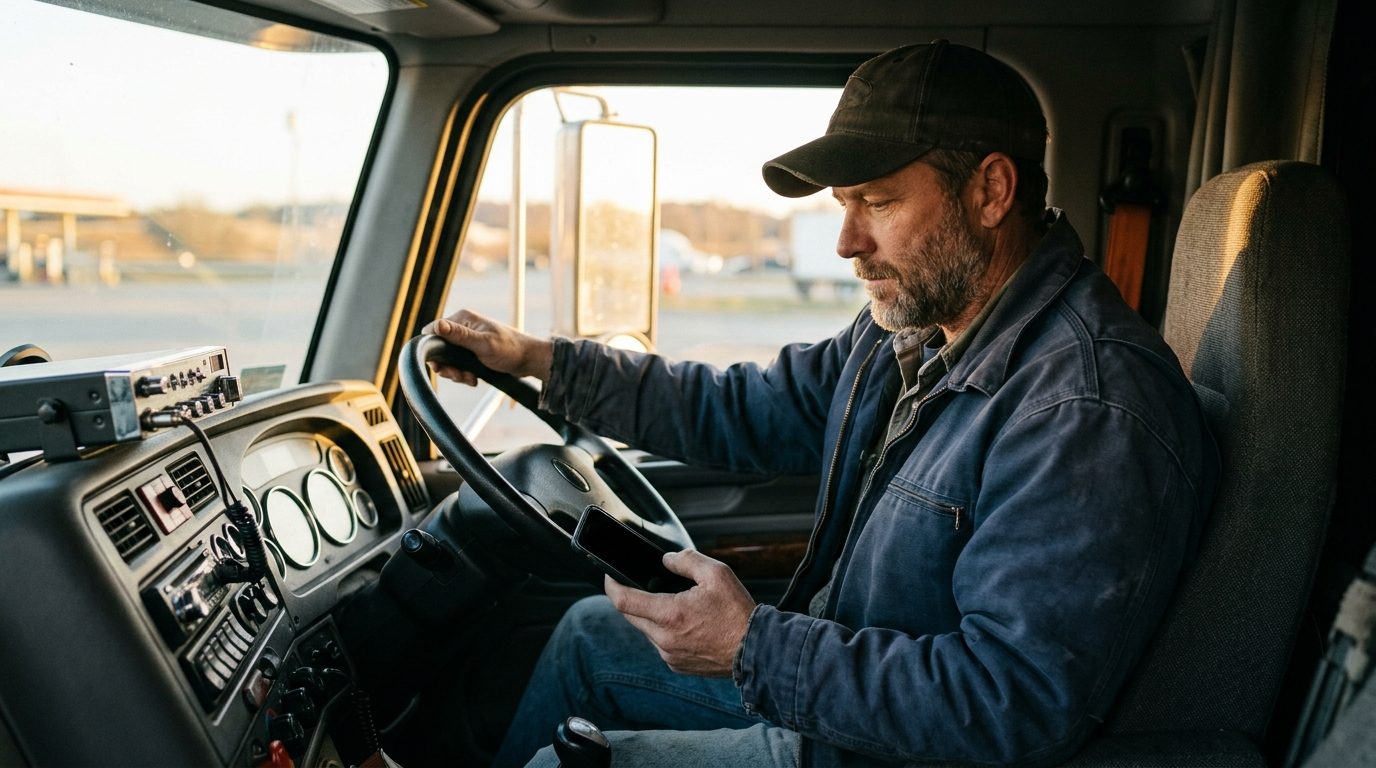
Your whole trucking company. One brain.
MileBrain is trucking management software for owner-operators and small fleets — loads, dispatch, invoices, fuel and IFTA, repairs and driver pay, from your phone.
30-second entries · Phone, tablet, desktop · Built in a truck, not a boardroom
- Free for your first truck
- No contract — cancel in the app
- Nothing to install
- Built by a working owner-operator in Detroit
See it work.
Every feature in the real app, narrated. Loads, inspections, fuel and IFTA, invoices and pay — from the phone in your pocket.
Sound on. Every screen is the real app, captured from the live demo company. Want every feature? Watch the two-minute tour.
One phone. The whole day.
Every screen below is the real app, captured from the live demo company. Scroll and the phone follows the day.
The day, before coffee.
Open the app and the morning briefing is already written: what delivers today, what picks up, what went past terms overnight, who owes you money. Every line taps through to the thing it came from.
Today — the briefing, built from your own records
What you booked. What you cleared.
Revenue, the costs on those loads, fuel and repairs for any window, and the money still out — the same figures the printed invoice and the receivables report carry.
Revenue & profit — one window, every number


A rate con becomes a load. You tap Add.
Scan the broker’s rate confirmation or forward it to your own private address. Lane, dates, rate, miles and every stop come back filled in, judged against your breakeven. Nothing becomes a load until you say so.
Loads — rate cons, search, every status
Every stop written down.
Pickup, drops, delivery — appointment, check-in, check-out, a note for the gate. Over two hours on site and detention flags itself, with the timestamps on record when the broker asks.
Load — stops with check-in and check-out


Your driver sees his day. Never your rates.
The loads assigned to him, in English or Spanish. Stops, photos, fuel, a signature at the door — and nothing about what the load pays.
Driver app — Today
Picked up. Delivered. One tap each.
A status tap confirms, and can be undone for 60 seconds. After Delivered the record is sealed on the server — he can only add a note or a photo.
Driver app — the load, with Picked up


Delivered becomes invoiced in one tap.
Numbered, professional, printed or emailed from the load, with a read-only link for the broker. It sits on the chase list until it is paid, and past 30 days it turns red.
Invoice — generated from the load
Driver pay adds itself up.
Per mile or per load, reimbursements and deductions, a statement he can read, a CSV for whoever runs payroll. Mark it paid and it is on the books.
Driver settlement — pay, reimbursements, net
The IFTA table builds itself.
Every fuel stop logged with its state becomes the quarterly table — miles, taxable gallons, tax-paid gallons, per jurisdiction — with the notes your preparer needs.
IFTA quarterly — per jurisdiction


Ask it who owes you money.
“$6,505.00 is out across 8 invoices. The biggest is Midwest Paper Co at $1,870.00…” Every figure is worked out by MileBrain from the company’s own records — the model only writes the sentence.
A real answer, on the demo company’s records
Ask it what you made.
“In Oct 1 – 31 you booked $3,145.00 on 5 loads, spent $1,827.55, and cleared $1,317.45.” Open the report behind any answer and check it yourself. A question it cannot work out gets told so.
Free includes 10 questions a month; Brain and Pro are unlimited


Built for the person holding the phone.
The same company record, a different screen for each job. Pick yours.
Owner-operators
One truck, the whole office in your pocket: breakeven, invoices, IFTA, the chase list.
For owner-operators →Small fleets
Two to twenty trucks: who is rolling, who is sitting, what each unit costs you a mile.
For small fleets →Dispatchers
The board on the desk, the driver on the phone, the same record in both places.
For dispatchers →Drivers
Stops, photos, a signature at the door, fuel, your pay — in English or Spanish.
For drivers →Bookkeepers
Clean exports, QuickBooks-ready files, every invoice and receipt where you expect it.
For bookkeepers →Simple. Like it should be.
Free
1 truck, 1 employee, unlimited customers and loads. Every core feature plus 10 AI questions each month. No card needed.
Start free — no card neededBrain
Unlimited AI questions and quote replies based on your records. 1 truck and 1 employee.
Pro
Brain included, with 2 trucks and unlimited employees. Add trucks for $15 each.
Straight answers
Is MileBrain really free for one truck?
Yes. The Free plan is one truck and one employee with the core operation: loads, dispatch, invoices, fuel and IFTA, repairs, driver pay and reports, plus 10 AI questions a month. No card is asked for. Brain and Pro add unlimited AI answers and more trucks.
Do I need to install anything?
No. MileBrain is a browser app that runs on a phone, a tablet and a desktop from the same account. Add it to your home screen and it opens like an app, works with a weak signal and syncs when the signal comes back.
Can my driver use it without seeing my rates?
Yes. A driver login shows only the loads assigned to that driver: stops, check-in and check-out, photos, fuel stops and a signature at the door. Rates, driver pay, invoices and costs stay behind server-side permission checks.
Where do the numbers in Ask MileBrain come from?
From your own records, worked out by the same code the reports use. The model only phrases the sentence, and a sentence carrying a number MileBrain did not compute is thrown away. Every answer links to the report behind it so you can check it.
What happens if I want to leave?
Export everything at any time: CSV files for loads, fuel, repairs and invoices, two QuickBooks-ready files, and a one-file backup of the whole company. Cancel from More, then Billing, in the app. There is no contract.

Run your company from your pocket — starting tonight.
30-second entries. Your real numbers. One brain.
Start free — no card needed Try the live demoFree for your first truck · No contract · Updated October 7, 2026